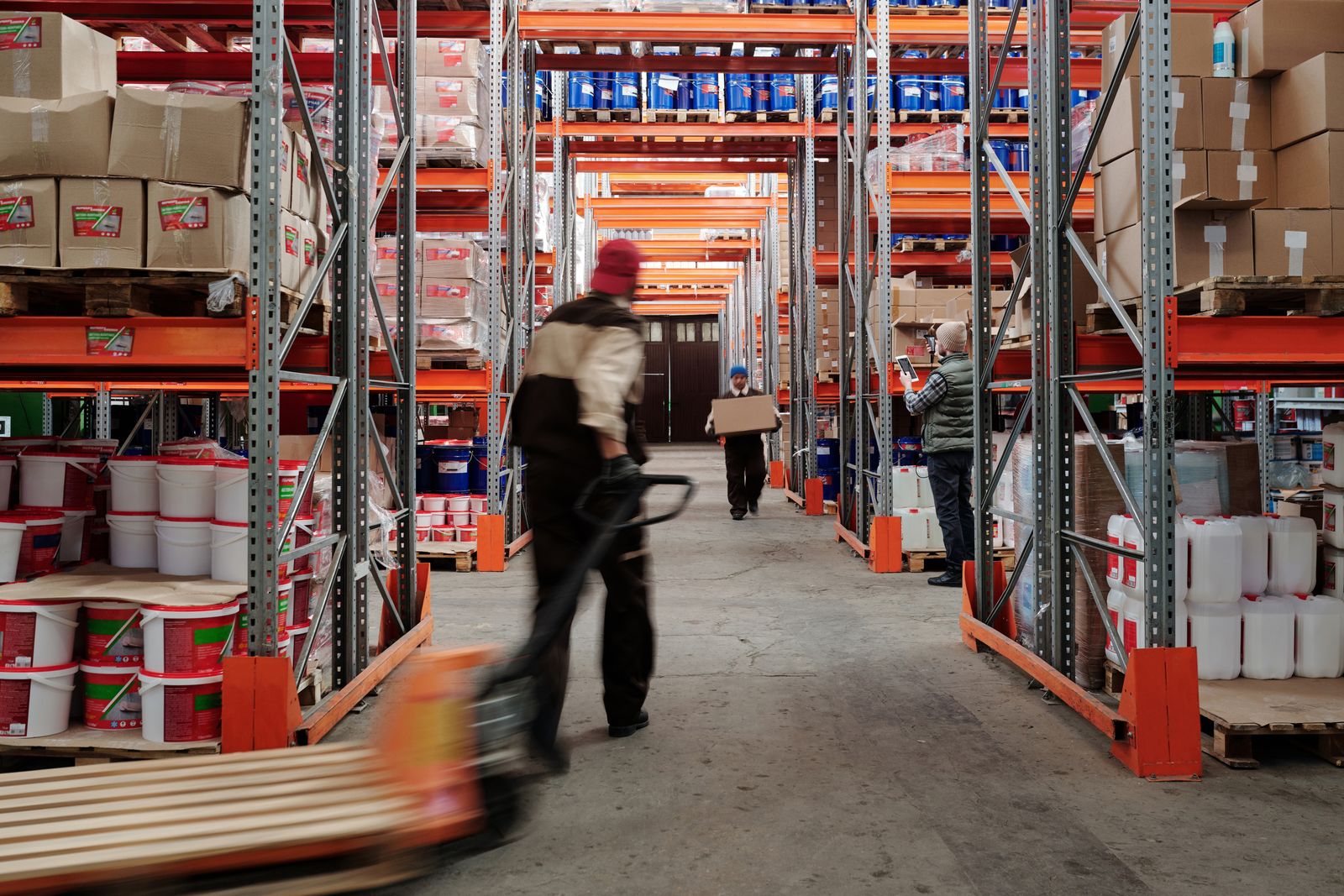
A transport and logistics company that manages its shipments in one software, its warehouse in another, its invoicing in a third, and its routes in spreadsheets is working against itself. System fragmentation in logistics generates order errors, delivery delays, route inefficiencies, and limited visibility that prevents real-time informed decision-making.
The logistics sector in Spain generates more than €250 billion annually and employs over 900,000 people. Yet the digitalisation level remains low in the SME segment: only 31% use a dedicated TMS (Transportation Management System) and fewer than 25% have their warehouse managed with a WMS (Warehouse Management System) integrated with their business management system.
The Essential Modules of a Logistics ERP
WMS — Warehouse Management
Location control, movements, real-time inventory, goods receipt, order picking, and returns management.
TMS — Transport Management
Route planning, vehicle and driver assignment, real-time tracking, and cost calculation per shipment.
Commercial Management and Invoicing
Per-client rate management, automatic delivery note and invoice generation, debt control, and profitability analysis by client and route.
Operational Analytics
Real-time KPIs: OTD (on-time delivery), cost per km, warehouse productivity, service level by client, and incident analysis.
The Most Used Logistics ERPs in Spain
SAP Business One with logistics module is the dominant option for mid-sized companies due to its maturity and partner network. Microsoft Dynamics 365 Business Central with third-party logistics extensions offers a modern alternative with better user experience. Odoo with its inventory, transport, and manufacturing modules is the most flexible option for operators with customised processes. For pure transport companies, specialised systems like Ahora Transporte or TransGest cover operational needs at lower implementation cost.
Logistics companies that implement an ERP integrated with WMS and TMS report an 18% improvement in OTD, a 22% reduction in order incidents, and a 30% improvement in warehouse productivity.
An ERP for logistics has to bring warehouse, transport and invoicing into one system. Gestinity, the Grupo Unifema ERP, covers that management and adapts to each operator's processes.
Gestinity ERP for logistics companiesComplete Traceability: The Sector's Competitive Differentiator
The modern logistics client demands real-time traceability: knowing where their goods are at all times, receiving proactive delay notifications, and accessing a client portal where they can view shipment history and associated documents. Operators that offer this visibility retain up to 40% more clients than those that operate opaquely.
What the Logistics Module in an ERP Should Cover
The logistics module in an ERP is the part of the system that connects what is sold with what is physically moved. A well-designed ERP logistics module manages stock by location and batch, inbound receipts, picking and packing, shipment planning and carrier assignment, and it feeds delivery data straight into invoicing so that nothing has to be keyed in twice.
The difference between a logistics module and a stand-alone warehouse tool is integration. When orders, stock, transport and billing live in the same database, a customer service agent can see in seconds where an order is, finance can invoice the moment a delivery note is signed, and management gets margins per route or per customer without consolidating spreadsheets.
How to Implement an ERP Logistics Module Without Disrupting Operations
- Map current flows. How orders arrive, how stock is located, who plans routes and where data is retyped.
- Prioritise by cost. Start with the processes that cause the most errors or hours, usually picking, stock accuracy and delivery confirmation.
- Integrate, do not replace. Connect existing warehouse scanners, carrier platforms and e-commerce channels instead of changing everything at once.
- Pilot first. Run the new module in one warehouse or route before extending it to the whole operation.
- Measure from day one. Track order accuracy, on-time delivery and time from delivery to invoice.
Frequently Asked Questions
What is a logistics module in an ERP?
It is the ERP component that manages the physical flow of goods: stock by location and batch, receipts, picking, packing, shipments and carrier assignment, all connected to sales orders and invoicing in the same system.
What is the difference between an ERP logistics module and a WMS?
A WMS focuses on the warehouse itself, such as locations, scanning and picking routes. An ERP logistics module covers the wider chain, linking warehouse activity with orders, transport, purchasing and billing. Many companies combine both, with the WMS integrated into the ERP.
Does an ERP logistics module include transport management (TMS)?
Some ERPs include basic transport planning, such as routes, carriers and delivery notes, while advanced TMS functions like route optimisation or freight auditing are usually integrated as a specialised module. The key is that transport data flows back into the ERP for invoicing and cost control.
When does a company need a custom logistics module?
When standard modules force workarounds: specific storage rules, complex rates per customer, multiple warehouses with cross-docking or integrations with carriers and marketplaces that the package does not support. In those cases a custom module or an extension of the ERP avoids running parallel spreadsheets.
How long does it take to implement an ERP logistics module?
It depends on the number of warehouses, integrations and the quality of current data. A phased rollout, starting with one warehouse or one process, usually shows results within the first months and reduces the risk of disrupting deliveries.
Want to find out which ERP is most suitable for your logistics operation and how to implement it without disrupting service? Contact our team .